
Reference-Guided Object Replacement & Inpainting
Precise multimodal prompt instructions for swapping elements in an existing scene while matching ambient lighting and shadows.

Customize Placeholders in Real-Time
Describe the existing item to replace and the new item to insert, along with key ambient lighting cues.
Modify the provided reference scene by replacing [ORIGINAL OBJECT] with a premium [PRODUCT]. Preserve the exact ambient illumination direction, warm tungsten fill, shallow depth of field, and table surface woodgrain reflections. The new item must seamlessly integrate into the scene with corresponding contact shadows in [BRAND COLORS] palette, rendered in [VISUAL STYLE] fidelity.
Optimization Tips & Parameters
Provide a reference image in the Gemini multimodal API alongside this text prompt for pixel-perfect perspective alignment.
Associated Tags & Use Cases
More image editing img2img Prompts
View full library →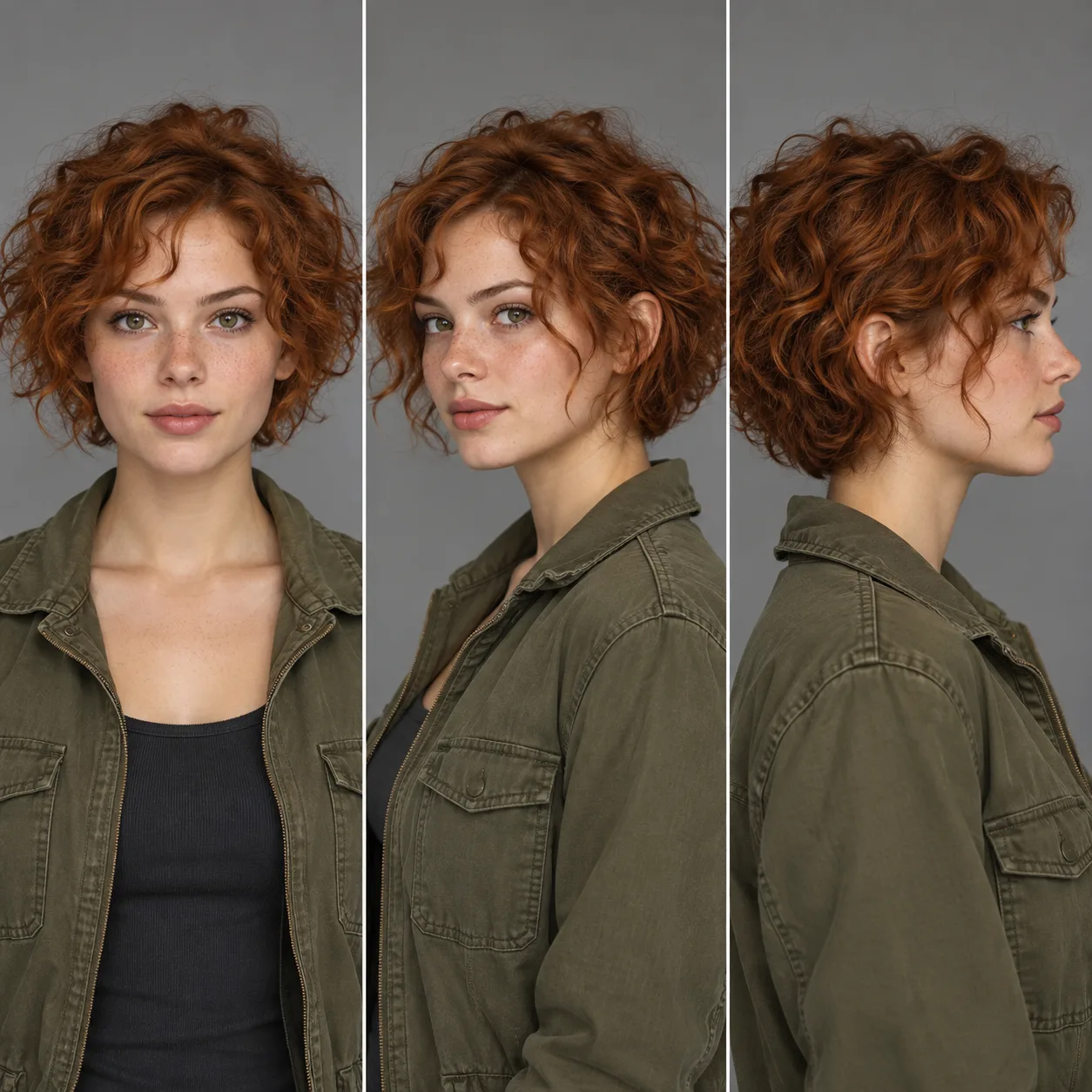 1:1
Multi-Angle Character Consistency Turnaround
Maintains facial bone structure, hair texture, and outfit details across a full 3-point studio turnaround sheet.
Character turnaround model sheet displaying three views side-by-side: front view, 45-degree three-quarter view, and full profile view. Subject is [CHARACTER DESCRIPTION] wearing [OUTFIT DETAILS]. Strict facial symmetry, consistent eye color, exact hairline and scar placement across all three angles, neutral white cyclorama background, uniform studio fill light, crisp vector-sharp edges in [VISUAL STYLE] style --ar [ASPECT RATIO]