Create Photorealistic Character Portraits in Midjourney
A practical portrait workflow covering subject direction, lighting, lens language, natural texture, and controlled image refinements.
Step-by-Step Instructions
Describe the subject and photographic setup
Use a fictional adult subject or a reference image you have permission to use. Specify expression, wardrobe, environment, camera distance, light direction, lens character, and crop. Avoid relying on generic quality words without describing the actual visual result.
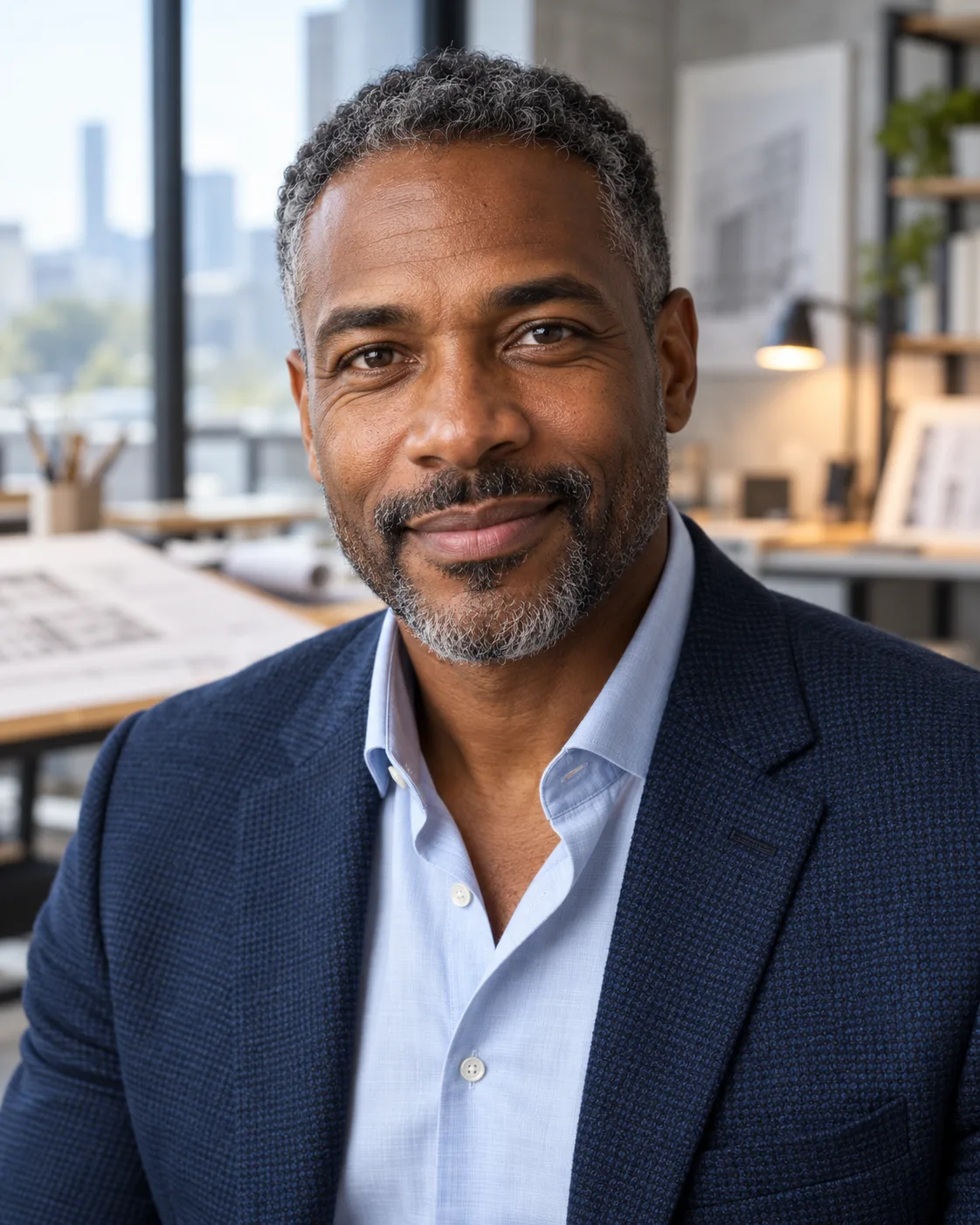
"Intimate editorial studio portrait of a 40-year-old architectural engineer, subtle wrinkles and natural skin pore texture, lit by soft north-facing window light, Hasselblad H6D-100c, 80mm f/2.8 lens, Kodachrome 64 tone, understated authentic expression --ar 4:5 --stylize 150"
Generate variations and refine specific regions
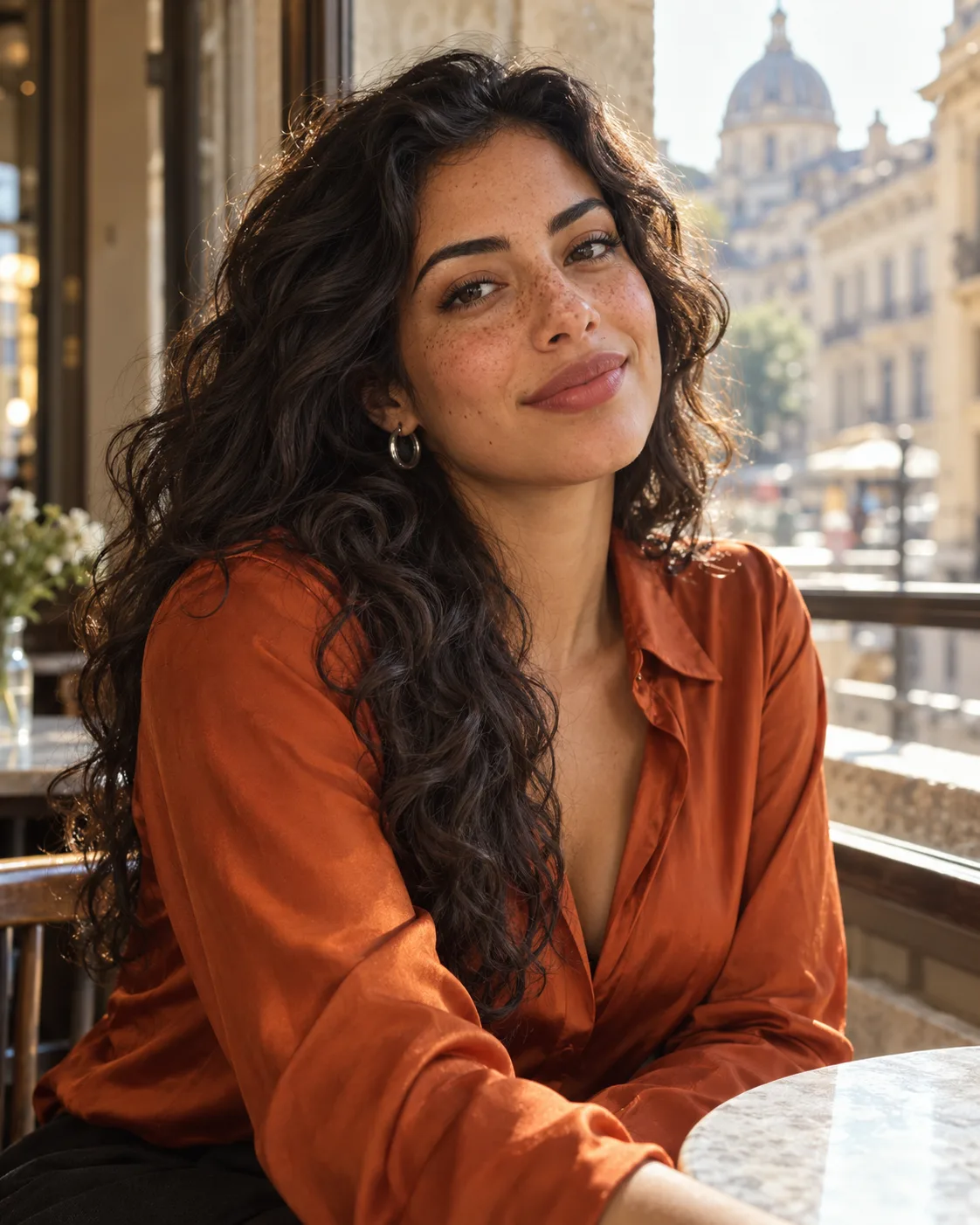
Generate a small set of variations and compare composition, skin texture, hands, and background details. Use the current editor's region editing or inpainting controls for localized changes, and re-check the whole image for artifacts after each pass.
Official documentation & further reading
These first-party resources help verify product workflows, eligibility, privacy terms, and plan details. Providers can change features and limits, so check the current source before making a purchase or production decision.